Web app · Making & tinkering
Time Design
weekly planning
A planner for designing your week, in the browser and on the iPhone. Block out time across four pillars, record what you actually lived, and compare designed and lived hours, energy and alignment.
See it hanging in the sketch room →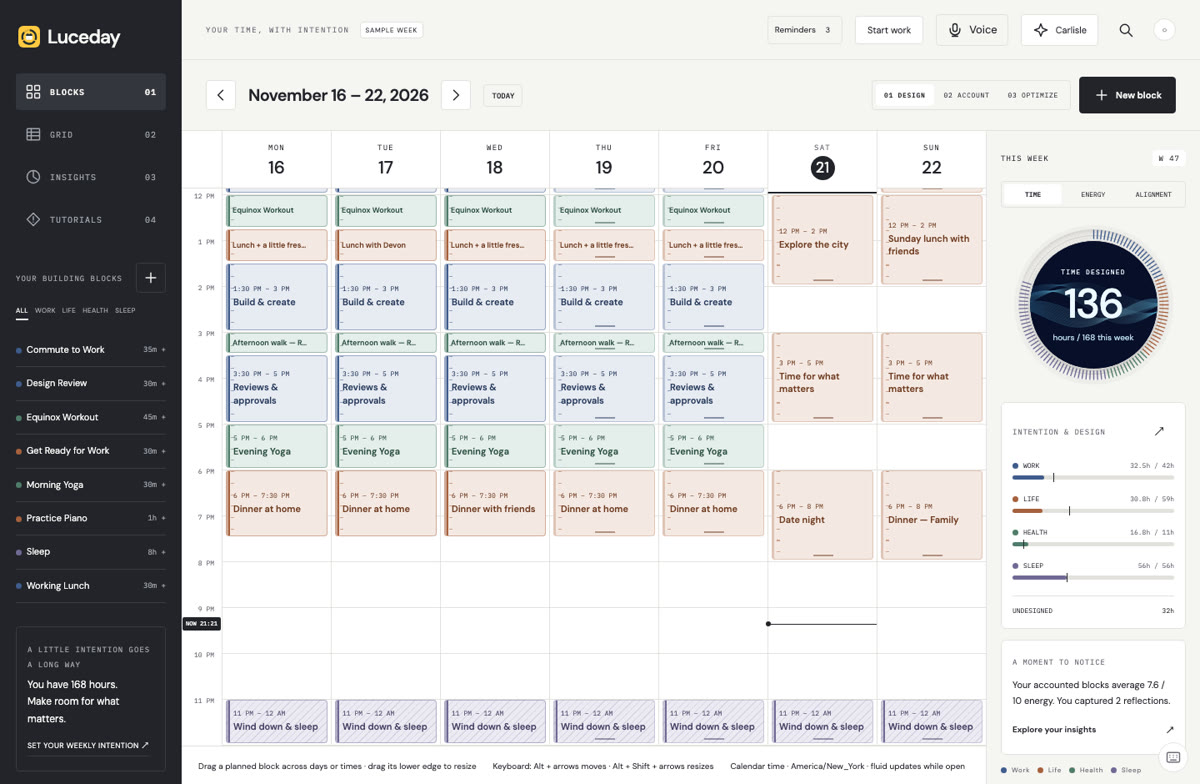
The week view: a seven-day calendar of blocks, with this week's designed hours and the four pillars at the side 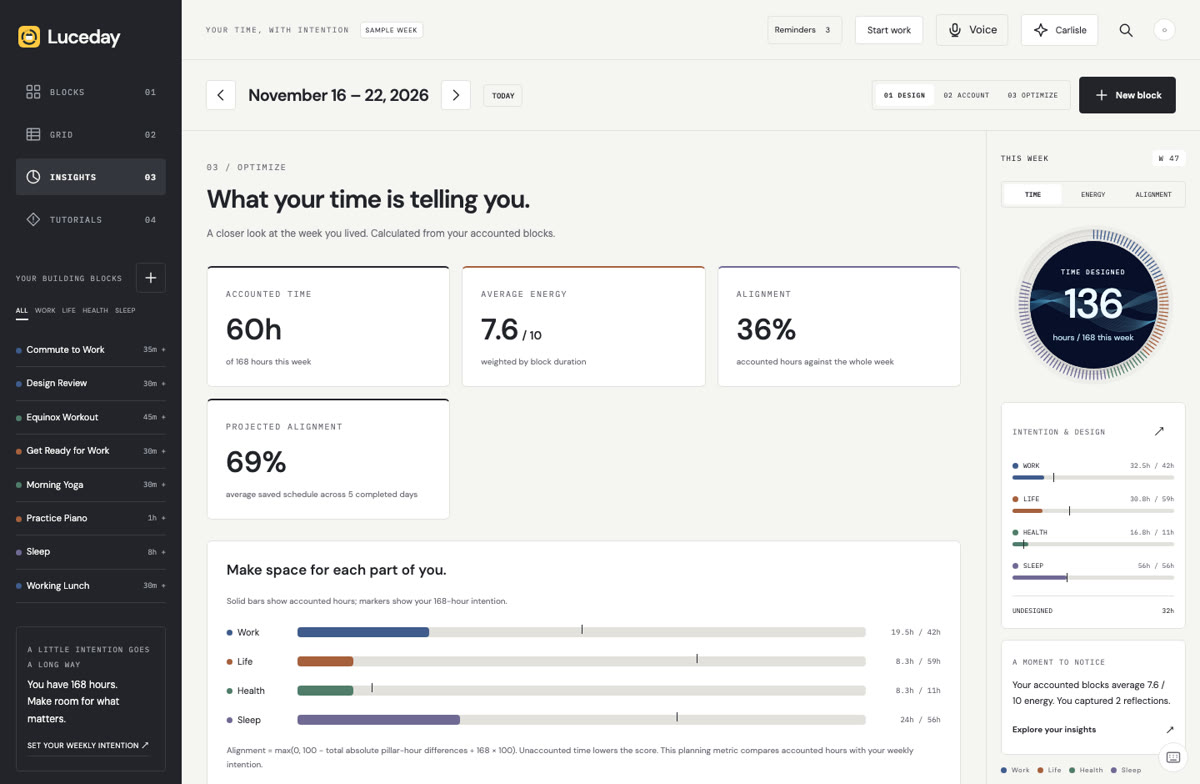
Insights: accounted time, average energy and alignment, with each pillar's hours against its weekly intention 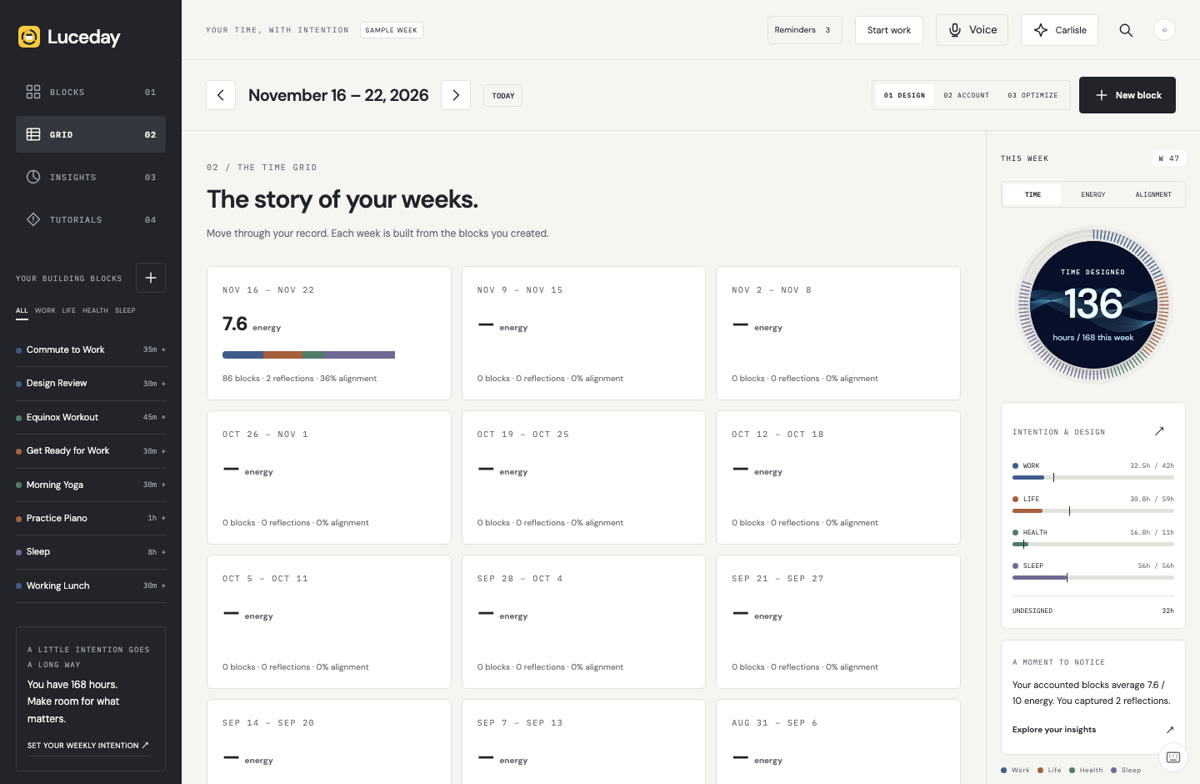
The time grid: past weeks as cards, each with its energy, blocks, reflections and alignment 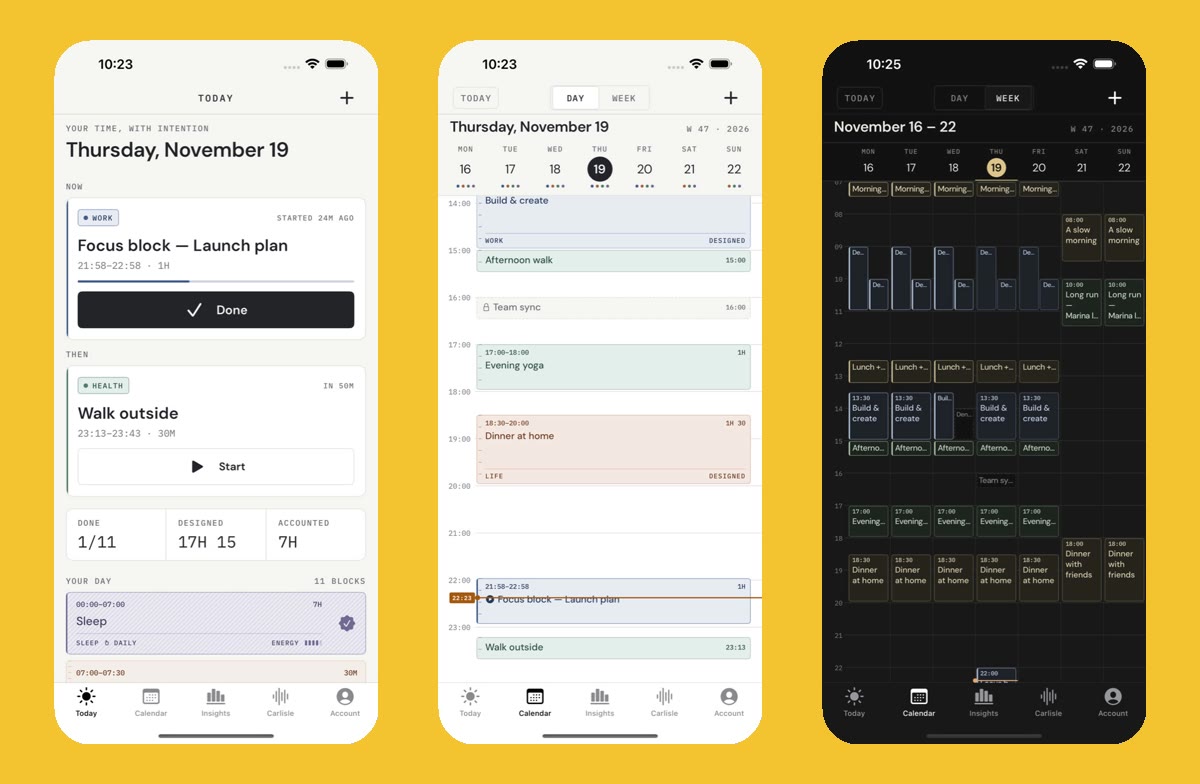
The iPhone app: what's running now and next, the day calendar, and the week in dark mode 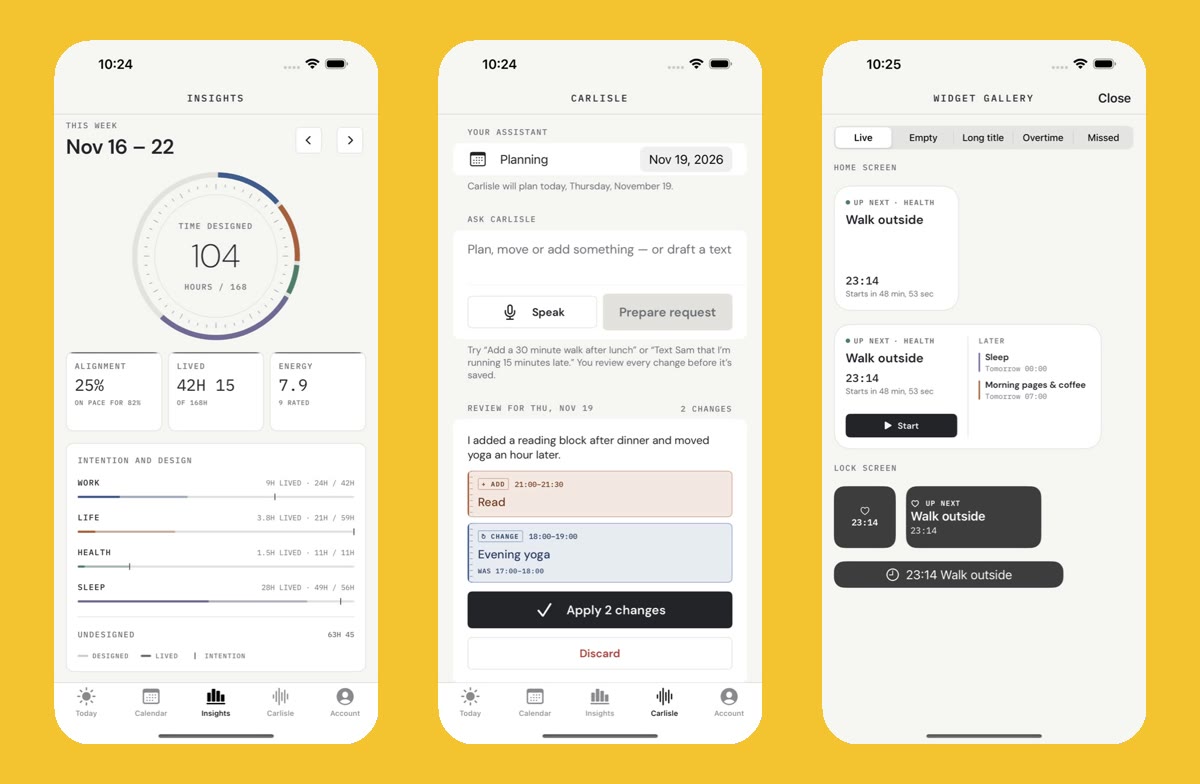
The iPhone app: insights, Carlisle's proposed changes waiting for review, and the widget gallery
What it does
- Seven-day, 24-hour calendar with drag and resize, plus 12-week history
- Four pillars with a 168-hour weekly intention, designed vs lived
- Recurring blocks, templates, and energy, notes and a photo per block
- AI companion plans a day from one sentence, with undo
- Calendar file import and export; JSON backup
- Native iPhone app with widgets, Live Activity, Siri and reminders
Notes in the margin
- the website and the iPhone app share one account
- last two screens are the iPhone app, with sample data